How to Use Thermal Transfer Paper for Best Printing Results?
Thermal Transfer Paper is a versatile tool for achieving high-quality prints. Many industries rely on it for its durability and clarity. Understanding how to use this paper effectively can greatly enhance printing outcomes.
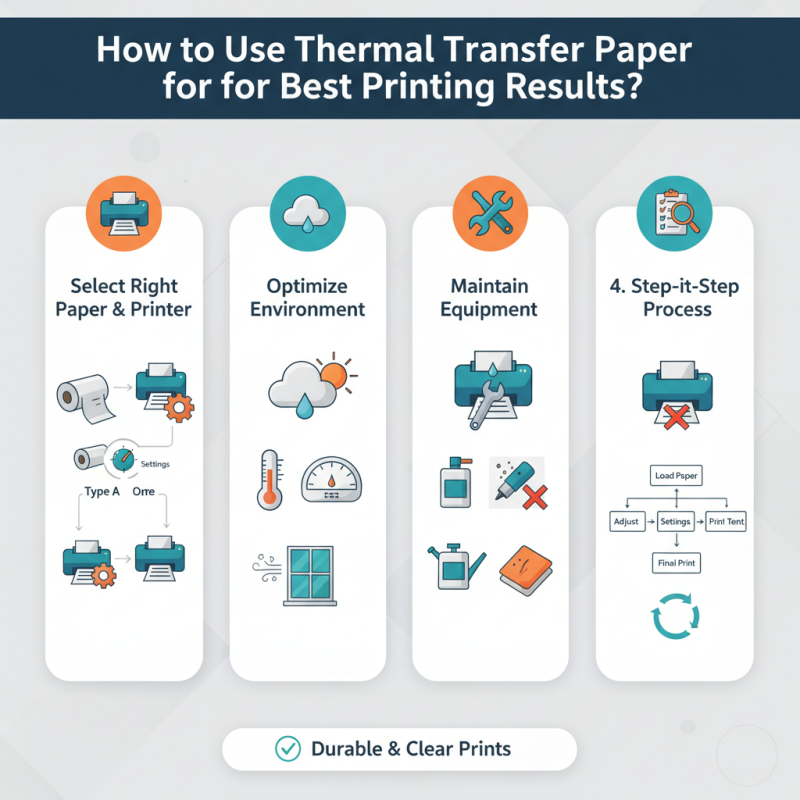
To begin, it is essential to select the right thermal transfer paper for your printer. Different printers require specific types. Using the wrong paper can lead to smudged images or fading. Each printer model has its optimal settings that should be adjusted to match the paper type.
Moreover, the printing environment plays a vital role. Factors like humidity and temperature can affect the adhesion of the inks. Regular maintenance of your printer is also crucial. Clogged nozzles and dust buildup may compromise print quality. Even the most skilled users sometimes overlook these details, leading to inconsistent results. Engaging in a step-by-step process can help achieve the best performance from Thermal Transfer Paper.
Understanding Thermal Transfer Paper and Its Applications
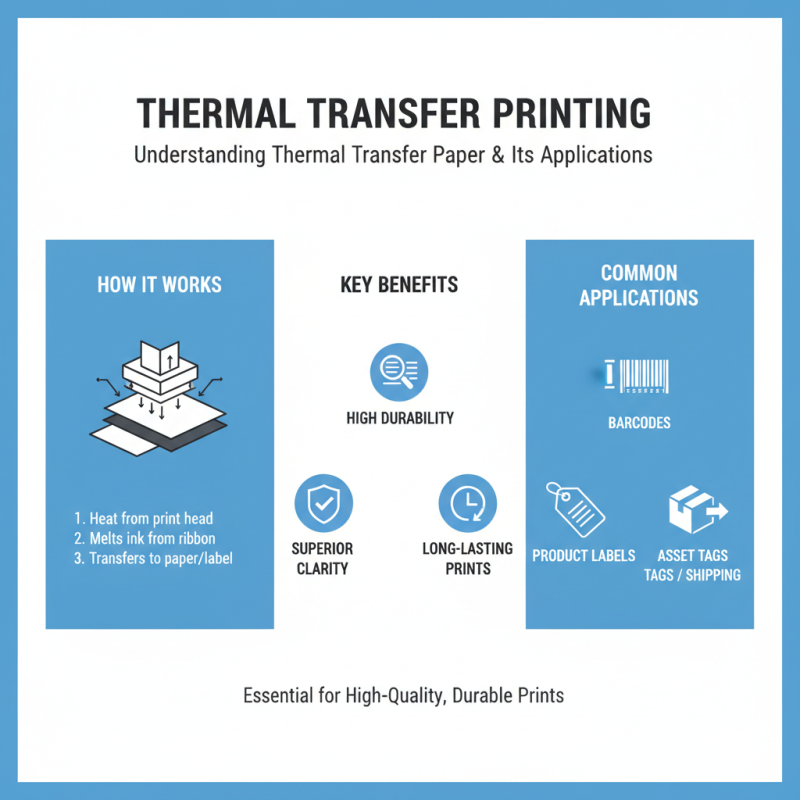
Thermal transfer paper has become an essential tool for various printing applications. Understanding how this medium works can significantly improve your printing results. This specialized paper uses heat to transfer ink from a ribbon onto a surface. It is crucial for printing labels, barcodes, and other high-durability products. The clarity and longevity of these prints are often superior to those produced by standard methods.
When using thermal transfer paper, some details require attention. The type of ribbon chosen can affect outcome dramatically. Different ribbons yield varying qualities and durability. Inconsistent printing can occur if the wrong combination is used. Users should experiment with different settings to find the perfect match for their specific needs. It may take multiple tries to achieve optimal results, illustrating the importance of patience and careful calibration.
Moreover, the surface type also plays a role in print quality. Not all surfaces accept thermal ink equally well. Paper variations can lead to faded prints or smudging. For best results, conducting tests on different materials can enhance understanding of how ink adheres. Paying attention to these specifics not only informs the printing process but also minimizes waste, reflecting a commitment to both quality and sustainability.
Choosing the Right Thermal Transfer Printer for Optimal Results
Choosing the right thermal transfer printer is crucial for achieving optimal printing results. When selecting a printer, consider the print resolution. A printer with higher DPI provides sharper images and clearer text. Look for models with at least 300 DPI for professional-grade output.
Another key aspect is the printer's speed. Faster printers save time, especially for large batches. However, be cautious; speed can sometimes compromise quality. Test prints are important to find a balance between speed and clarity. Additionally, compatibility with various thermal transfer papers is vital. This ensures smooth operation and better adhesion of ink to the material.
Don't overlook the features that enhance usability. Automatic calibration or built-in software can ease the printing process. Yet, some advanced features may complicate usage or maintenance. Reflecting on your specific needs will guide you to a more suitable choice. Remember, choosing the right printer involves weighing performance against how often you print.
How to Use Thermal Transfer Paper for Best Printing Results? - Choosing the Right Thermal Transfer Printer for Optimal Results
| Printer Model |
Print Resolution (dpi) |
Print Speed (ips) |
Compatible Thermal Transfer Paper Type |
Ideal Applications |
| Model A |
300 |
6 |
Glossy Thermal Transfer Paper |
Labels, Tags |
| Model B |
600 |
4 |
Matte Thermal Transfer Paper |
Product Packaging, Barcodes |
| Model C |
300 |
8 |
Resin Thermal Transfer Paper |
Durable Labels, Outdoor Use |
| Model D |
1200 |
2 |
High-Quality Transfer Paper |
Fine Art Prints, Photos |
Preparing Your Designs for Thermal Transfer Printing
Preparing your designs for thermal transfer printing requires careful planning. Start with high-resolution graphics. Aim for at least 300 DPI to ensure clarity. Choose colors wisely. Not all colors transfer well. Dark colors often yield better results on lighter materials.
Next, design your layout. Keep in mind the size of your final print. Leave enough space around your graphics. This helps avoid cutting off vital details. Consider using vector images. They scale without losing quality, which is crucial for intricate designs.
Test your designs before the final print. Use inexpensive materials to avoid waste. Print small samples to see how colors transfer. Adjust your design based on these tests. This step is often overlooked but can save you time and resources. Embrace the learning curve and make adjustments as needed.
Step-by-Step Guide to Printing on Thermal Transfer Paper
To achieve optimal results when printing on thermal transfer paper, it's crucial to follow a step-by-step approach. Begin by selecting the right type of thermal transfer paper for your project. The paper can vary in quality and finish, impacting the final printed image. A report from the Imaging Supplies Coalition indicates that high-quality thermal transfer paper can enhance print durability by up to 40%. This choice influences ink adhesion and print clarity significantly.
Next, ensure your printer settings align with the thermal transfer paper specifications. Adjust temperature and speed settings according to the paper type. Inadequate settings can lead to smudging or improper adhesion. While testing with standard temperatures may suffice, each paper type may react differently. According to the Specialty Graphic Imaging Association, fine-tuning these parameters can improve color vibrancy by up to 30%.
Lastly, consider the environmental factors of your workspace. Humidity and temperature affect printing outcomes. A study by the Drucker Institute shows that controlled environments can reduce printing errors by 25%. Keeping your workspace at an optimal level helps maintain the integrity of both the paper and the ink. Encountering unforeseen challenges, like paper jams or alignment issues, is common and encourages ongoing adjustments to your printing process. These reflections pave the way for better performance in future projects.
Thermal Transfer Paper Printing Quality Comparison
Tips for Achieving High-Quality Transfers and Longevity
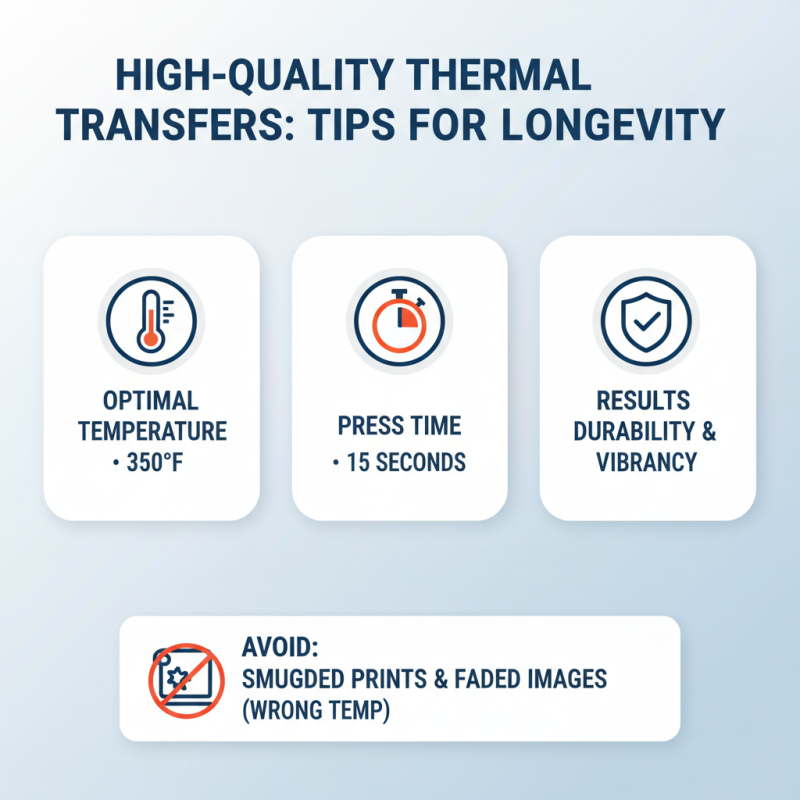
When using thermal transfer paper, achieving high-quality transfers requires careful attention to detail. Industry reports suggest that correct temperature settings significantly impact ink adhesion. For instance, maintaining a temperature of around 350°F for 15 seconds enhances durability and vibrancy. Too high or too low can lead to smudged prints or faded images.
To maximize transfer longevity, consider the type of thermal transfer ribbon you select. A report from PrintWeek indicates that resin-based ribbons offer superior resistance to scratching and chemicals. This can extend the lifespan of your printed material, especially in demanding environments.
Here are a few tips for success. Always preheat your thermal transfer printer to stabilize temperature. Use a test print to determine the best settings for your specific project. Regular maintenance is essential, too. Dust and debris can severely impact print quality. By incorporating these practices, you'll improve the overall results and durability of your transfers.








 Phone
Phone Send Email